
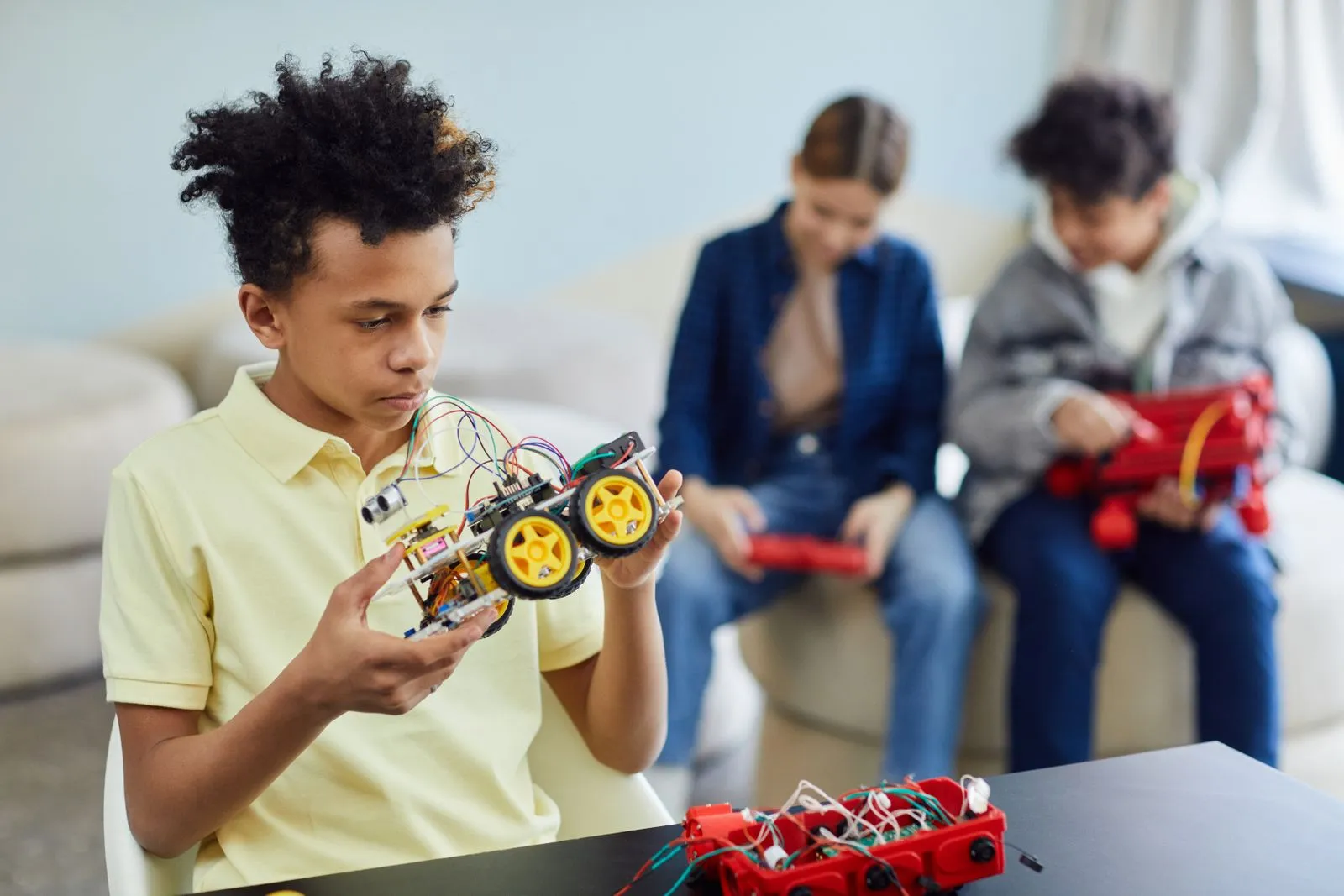
A robotics coding class gives kids a practical way to explore how technology works. They build a robot or other moving project, then write instructions that tell it what to do. When the result differs from what they expected, they can adjust the design or code and try again. Along the way, kids practice sequencing, reasoning, and communication—not just typing commands. The exact skills depend on the project and a child’s experience, but the learning starts with making something work.
Coding Through Clear Instructions
Robots follow instructions, so kids learn to break a goal into steps. They might program a robot to move forward, turn, or respond to a sensor. This introduces ideas such as order, repetition, and cause and effect. Younger beginners may use visual blocks, while more experienced students may work with text-based code. In either format, the central question stays concrete: What should the robot do, and what instructions will make it happen?
Testing helps make abstract coding ideas visible. If a robot turns too early or misses a marker, students can inspect the commands and change one part at a time. They learn that a computer does exactly what the instructions say, not what the programmer intended. That lesson encourages careful thinking and helps kids explain what they want their program to do before they build it.
Problem-Solving by Trial and Revision
A first attempt rarely answers every question. A robot may tip over, move unpredictably, or fail to complete a challenge. Kids can investigate the cause by checking its structure, connections, or program. They form a guess, make a small change, and test again. This process teaches them to treat mistakes as useful information rather than as a reason to stop.
Good project guidance gives children room to make decisions without leaving them stuck. An instructor can ask what the robot did, what the student expected, and what they might test next. Those prompts help kids build a repeatable approach to challenges: observe, identify a possible cause, change something, and check the result. The same approach can support learning in other subjects and everyday tasks.
Building Design and Planning Skills
The physical robot matters as much as its code. Kids consider how wheels, frames, and other parts fit together and affect movement. They may need to make a design sturdier, lighter, or better suited to a particular task. Planning a build also helps them connect a goal with the materials and steps needed to reach it.
Building encourages careful hands-on work, but it also calls for flexible thinking. If a design does not behave as expected, students can compare what they pictured with what the robot actually does. They might change the placement of a part or rethink how the robot should complete the challenge. Each adjustment links a design choice to a visible outcome.
Teamwork and Communication
Group projects give kids a reason to share ideas and coordinate their work. One student might assemble the robot while another plans its instructions, then they can switch roles or review the result together. To make progress, teammates need to describe what they tried, listen to different suggestions, and agree on what to test next.
Working as a team does not mean every child has the same idea. A useful class helps students compare approaches respectfully and use the project’s results to decide what to do. Kids practice explaining their reasoning, asking for help, and giving feedback that keeps the group moving. These habits make collaboration part of the learning process, not just a way to finish the build.
In a robotics coding class, kids learn by making, testing, and improving a project. They practice writing instructions, solving problems, planning a design, and working with others. A good fit gives children age-appropriate challenges and room to experiment. If your child is curious about how robots work, ask Park City Robot Lab what projects and learning activities are available.